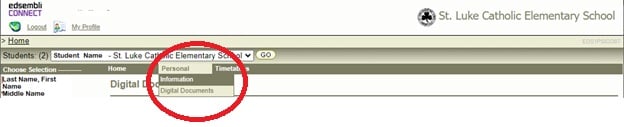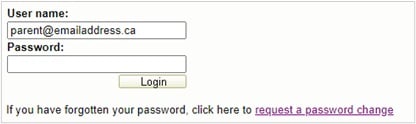
If this is your first time using the Parent Portal and you have not yet created an account, please begin by clicking on your child’s school link below.
-
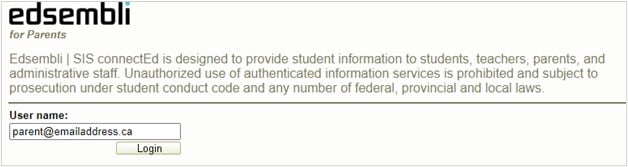
On the Parent Portal login screen, click on the ‘Create Account’ button.

-
Using the parent/guardian email address the school has on record, fill in the fields provided and click the ‘Create Account’ button.
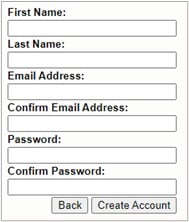
An activation link will be sent to your email. You must click the link in your email before your account can be activated. (Check your spam folder if missing).
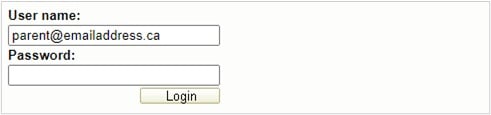
Once activated, login to view your child’s report card.
Note: If you did not receive a link, return to the login screen and click ‘resend activation email’.